A workflow for every kind of idle
Arrange simple steps into a routine that looks natural, then let it run while you step away.
Smooth pointer moves
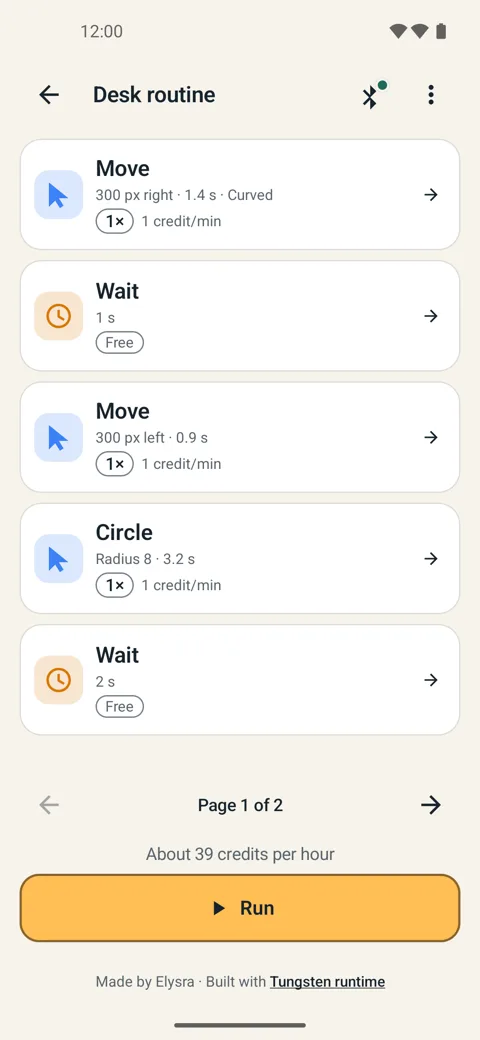
Straight, curved or circular steps with the distance and speed you choose.
Waits, text & shortcuts
Add pauses, typed text and common shortcuts, plus clicks and scrolling.
Connected link
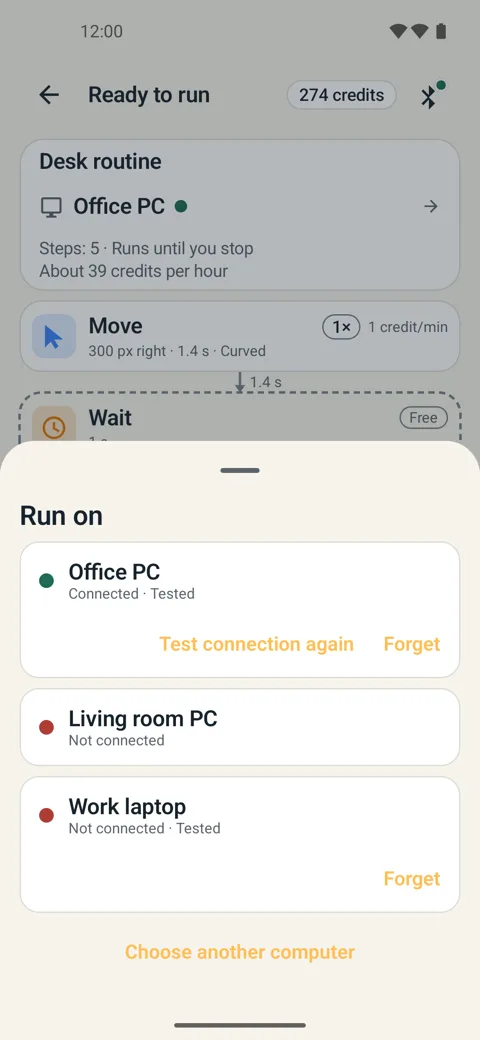
Pick your computer and run workflows over a connected link from your phone.
Credits only while active
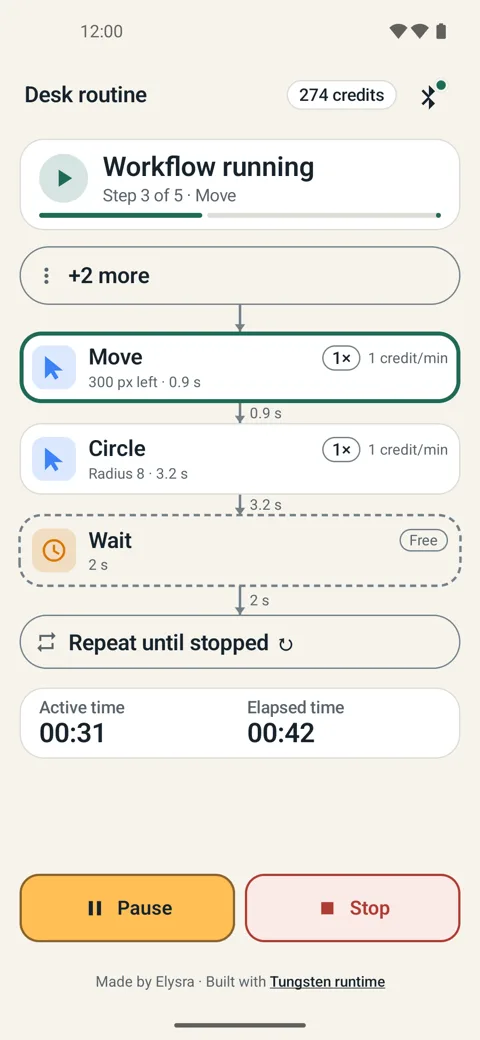
Waits are free. You spend credits only while a workflow is actively running.
Up and running in three steps
Sign in with Google, build, and press Run.
Build a workflow
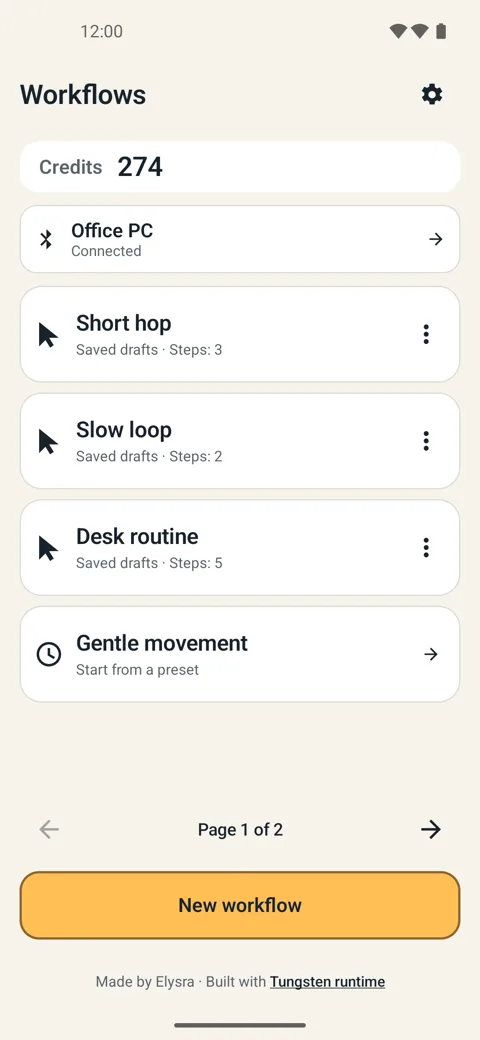
Start from a preset like “Gentle movement” or add your own steps.
Choose your computer
Connect your PC and see its status at a glance.
Press Run
See the estimated credits per hour first, then let it go.
Inside the app
Clean, readable, and built around the workflow list.